OneXPlayer X2 Mini Pro Review: 395 vs 388 Chip Controversy Explained (2026)
🔗 Disclosure: This review contains affiliate links. If you click through and make a purchase, we may earn a commission at no extra cost to you. We only recommend products we genuinely believe in.
OneXPlayer X2 Mini Pro Review (2026)
Is the $2,499+ ‘Ultimate’ 3-in-1 Handheld Gaming PC a Revolution or a Rich Collector’s Toy?
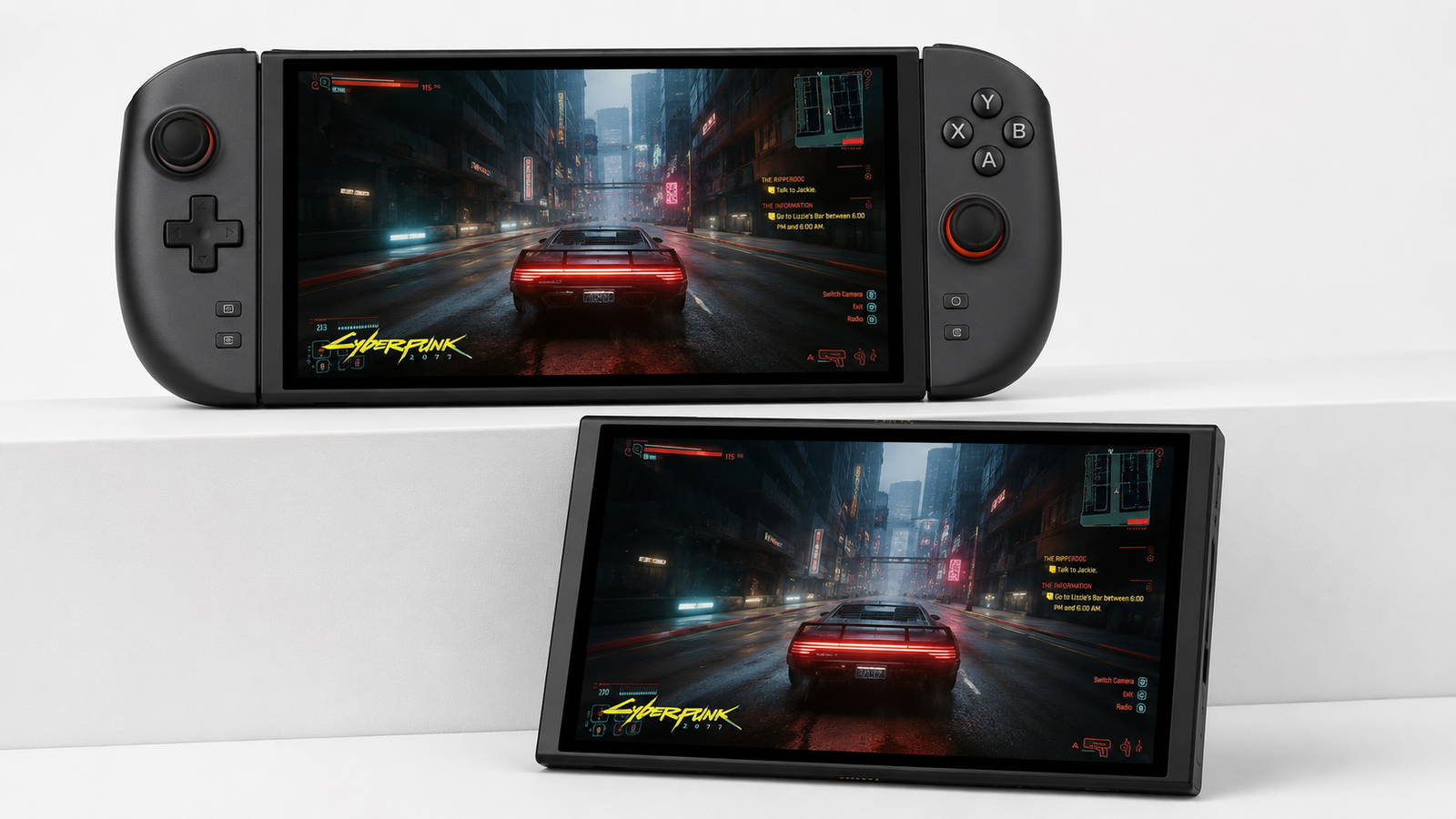
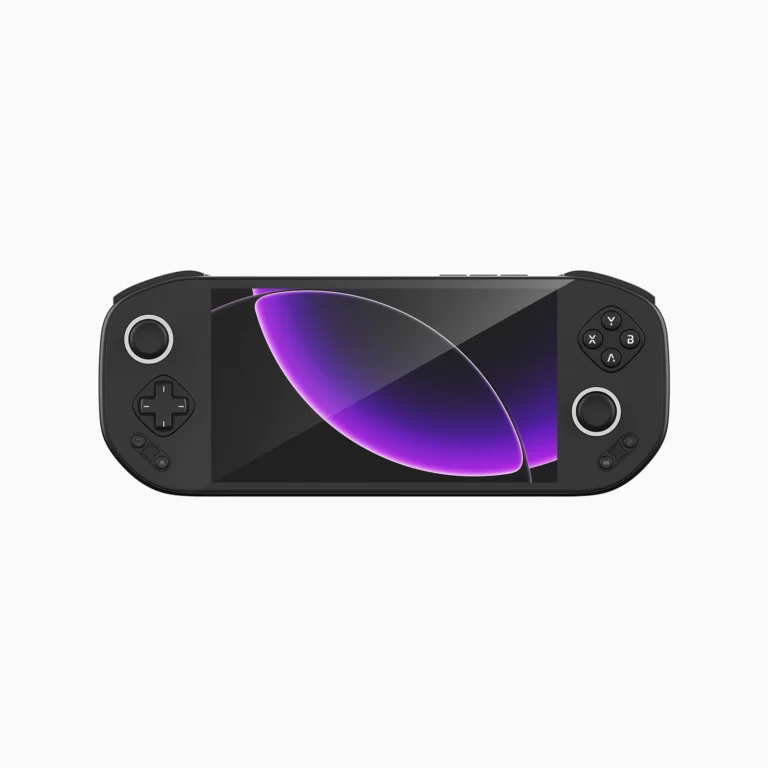
The handheld gaming market has a new king, but it comes with a king’s ransom. The OneXPlayer X2 Mini Pro isn’t just a handheld; it’s a statement. Powered by the AMD Ryzen AI Max+ 388 (8 cores, 16 threads), with up to 64GB of RAM, and a stunning 8.8-inch OLED display, it aims to replace your gaming laptop, tablet, and console. But in a world where the MSI Claw 8 AI+ and Lenovo Legion Go 2 offer similar experiences for less, who is this actually for?
🔥 The Elephant in the Room: The “395 vs. 388” Controversy
OneXPlayer originally promised the Ryzen AI Max+ 395 — the absolute flagship chip — for the X2 Mini Pro.
But when the product launched, it quietly shipped with the Ryzen AI Max+ 388 instead.
The difference? The 395 has 16 cores / 32 threads with 64MB of L3 cache, while the 388 is cut down to 8 cores / 16 threads with 32MB of L3 cache.
However — and this is crucial — both chips share the exact same Radeon 8060S graphics with 40 compute units. OneXPlayer cut CPU cores and cache, but kept the GPU intact.
What this means for gamers: Gaming performance should be largely similar since most games are GPU-bound. But if you do CPU-heavy productivity work (video editing, 3D rendering, coding), the 395 would have been noticeably faster. OneXPlayer never officially explained the switch, leaving early backers feeling misled.
Our take: The 388 is still a gaming beast — but if you were expecting the absolute top-tier CPU, this is a legitimate disappointment for productivity users.
⚡ Final Verdict
The X2 Mini Pro is worth buying, but ONLY for the niche enthusiast who demands the absolute best screen, unmatched modularity, and has the budget to match.
For most gamers, the MSI Claw 8 AI+ offers a better performance-to-dollar ratio — especially after the “395 vs. 388” chip controversy.
✅ Check Latest Price & Configurations
Starting from $2,499
1. The Uncontested King: The 8.8″ OLED Display
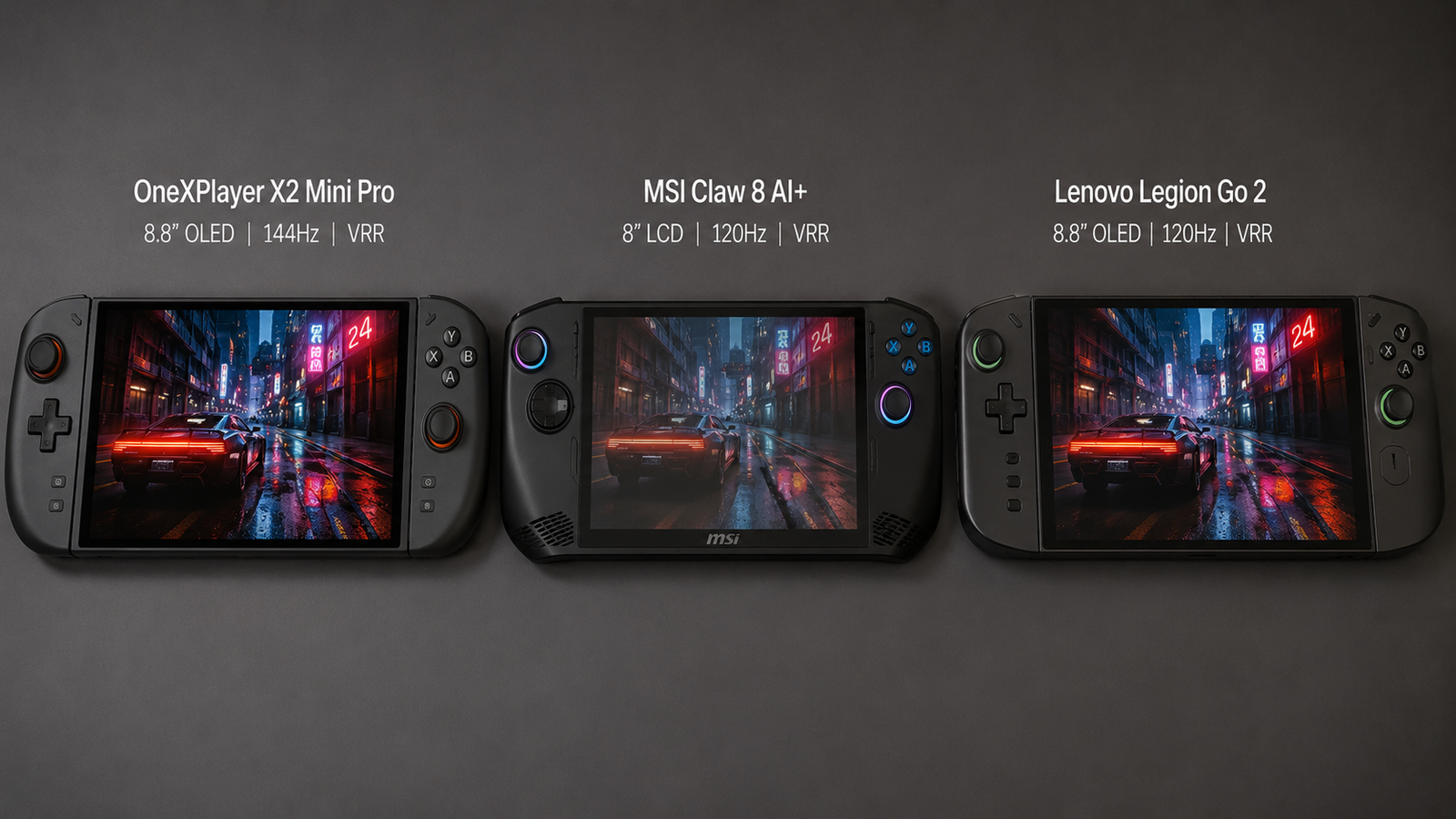
This is the X2 Mini Pro’s single biggest advantage over its main rival, the MSI Claw 8 AI+. While the Claw uses a standard LCD panel, the X2 Mini Pro features a flagship-grade OLED with 144Hz refresh rate, VRR from 30-144Hz, and up to 1,100 nits peak brightness. This translates to:
- True Blacks & Vibrant Colors: Perfect for HDR gaming and media consumption.
- Exceptional VRR Range: Eliminates screen tearing even when framerates dip in demanding titles like Cyberpunk 2077.
- Excellent Sunlight Readability: The 1,100-nit panel is significantly brighter than the Claw’s 500-nit LCD.
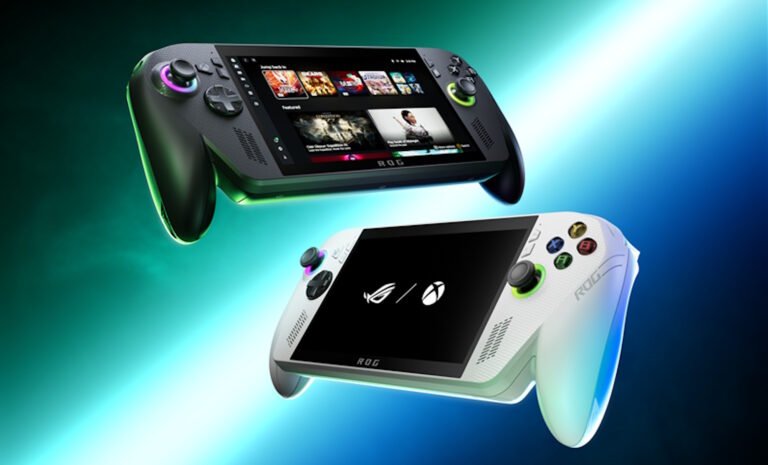
Compared to the Lenovo Legion Go 2 (which also has an 8.8″ OLED), the X2 Mini Pro matches it in screen quality but pulls ahead with a higher refresh rate (144Hz vs. 120Hz) and a broader VRR range.
2. Performance: The “Liquid-Cooled” Beast
The OneXPlayer X2 Mini Pro is powered exclusively by the AMD Ryzen AI Max+ 388 — an 8-core, 16-thread processor based on the Zen 5 architecture. It features the flagship Radeon 8060S integrated graphics with 40 compute units based on RDNA 3.5. This is paired with up to 64GB LPDDR5X RAM for a truly desktop-class experience.
Note: The standard OneXPlayer X2 Mini (non-Pro) uses the Intel Arc G3 Extreme — but that’s a different product. The Pro model is AMD-only.
The optional Frost Bay Liquid Cooling Dock is a game-changer. According to OneXPlayer’s official specifications, the dock allows the device to push TDP up to 120W (the chip’s default TDP is 55W, with a configurable range of 45W–120W), unlocking significantly higher sustained performance compared to air-cooled mode.
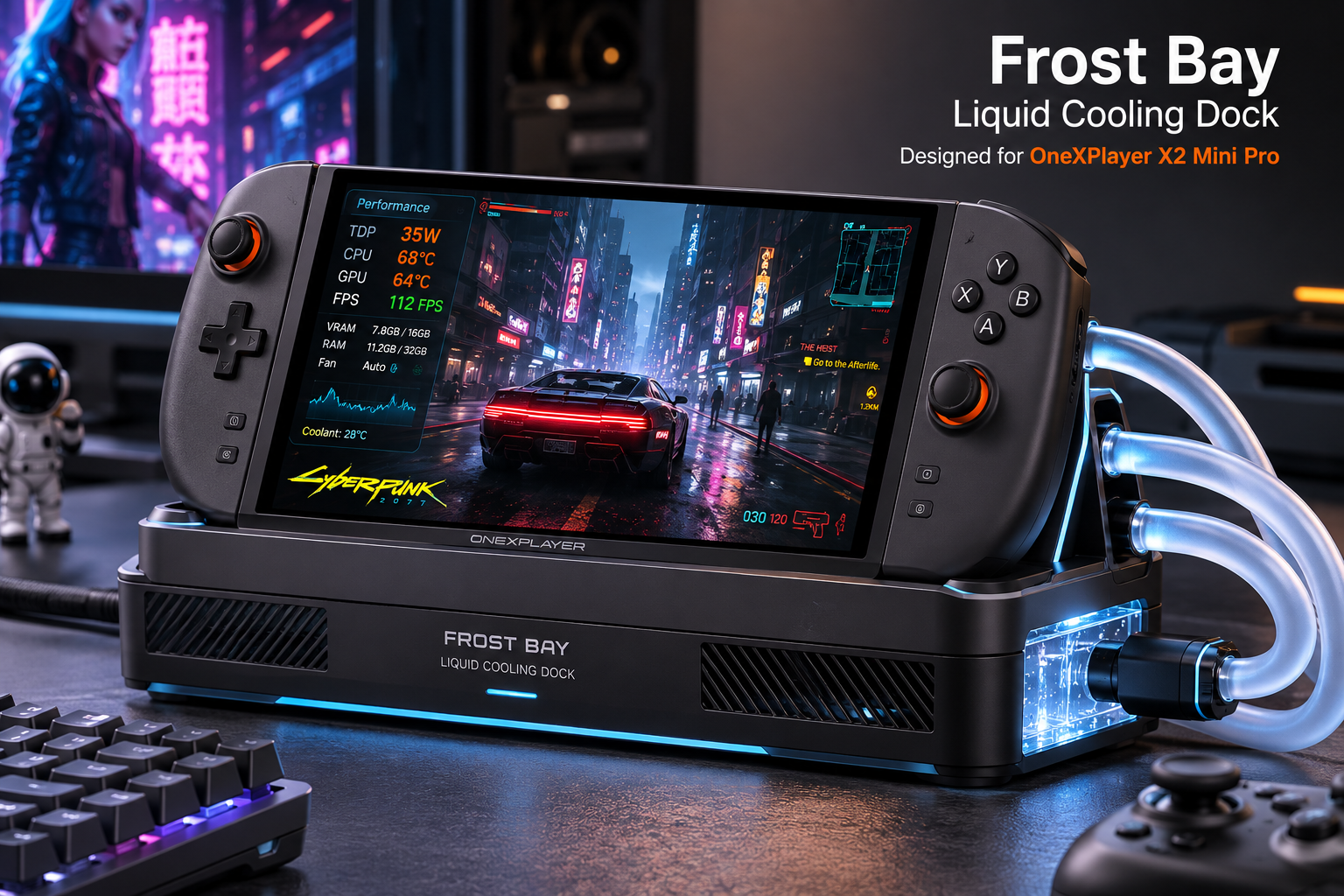
Direct Competitor Performance Comparison
| Metric | OneXPlayer X2 Mini Pro (AMD AI Max+ 388) |
MSI Claw 8 AI+ (Intel Ultra 7 258V) |
Lenovo Legion Go 2 (AMD Z2 Extreme) |
|---|---|---|---|
| CPU Cores / Threads | 8C / 16T | 8C / 8T | 8C / 16T |
| GPU | Radeon 8060S (40 CUs) | Intel Arc Xe (8 CUs) | Radeon 780M (12 CUs) |
| Max TDP (w/ Liquid Cooling) | 120W | ~40W (air only) | ~30W (air only) |
| Gaming Performance (1080p High) | Top-tier — can handle AAA titles at 60+ FPS | Very good, but limited by lower TDP | Good, but not in the same league |
| 🏆 Winner | 🥇 Best Peak Performance | 🥈 Best Efficiency-per-Watt | 🥉 Budget-Conscious Choice |
Note: The Radeon 8060S is the flagship iGPU in AMD’s Strix Halo lineup. The 120W TDP gives it a massive headroom advantage over competitors.
3. The 3-in-1 Modularity: The Real Differentiator
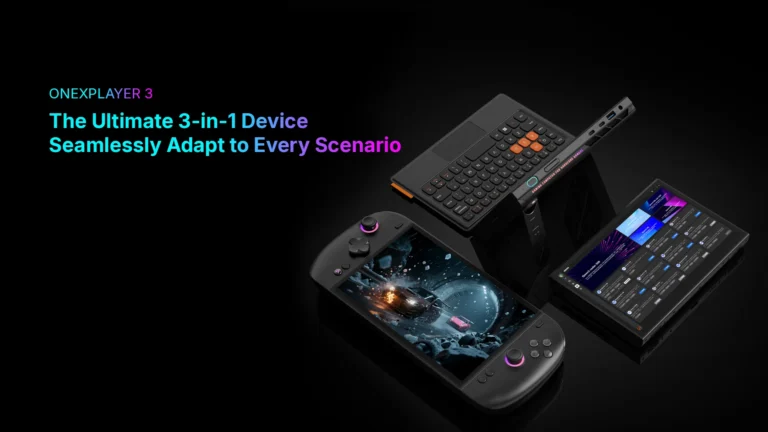
Unlike its competitors, the X2 Mini Pro is designed as a modular ecosystem. This is where it justifies its premium price.
- Tablet Mode: Detach the controllers and you have an 8.8-inch Windows tablet, perfect for media consumption and note-taking.
- Laptop Mode: Attach the optional magnetic keyboard to transform it into a mini-laptop for productivity, coding, or typing emails.
- Hot-Swappable Battery: The 85Wh battery is removable. You can carry a spare and swap it instantly, eliminating downtime.
No other device offers this level of versatility. The MSI Claw is purely a handheld, and the Legion Go, while having detachable controllers, lacks the battery-swapping feature.
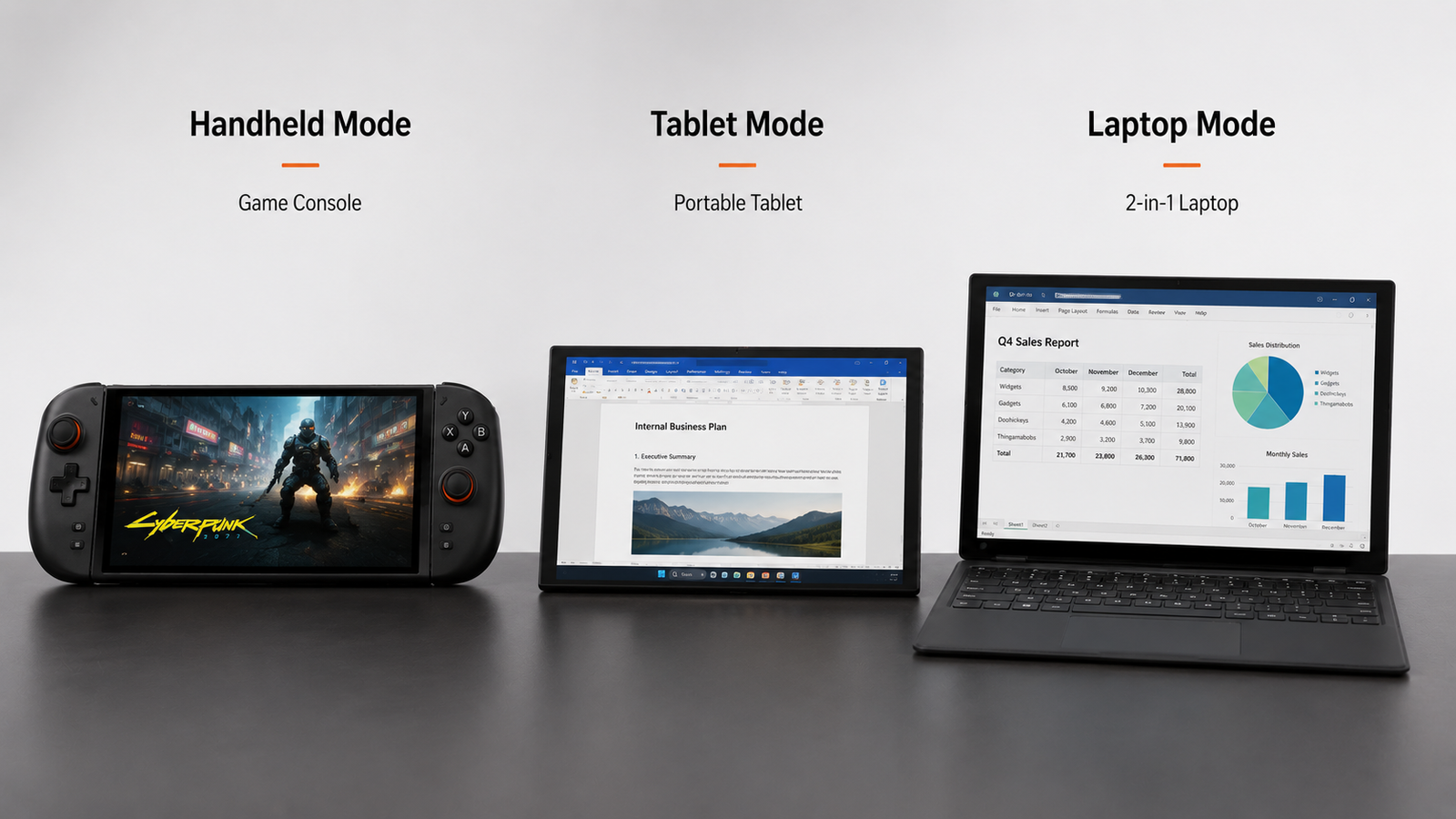
4. The Price Breakdown: $2,499 – $3,229
Let’s address the elephant in the room. The X2 Mini Pro starts at $2,499, which is more than a high-end gaming laptop. Here is how it stacks up against the competition:
- MSI Claw 8 AI+: ~$1,799
- Asus ROG Ally X: ~$599
- Steam Deck OLED: ~$549
You are paying a premium for three things: the unrivaled OLED screen, the 3-in-1 modular design, and the liquid-cooled performance that no other handheld currently offers. For a tech enthusiast who wants a single device to rule them all, the price might be justifiable. For the average gamer, this is overkill.
✅ Pros
- Incredible 8.8″ 144Hz OLED – Best in class.
- Liquid Cooling Option – Unmatched sustained performance (up to 120W).
- Modular 3-in-1 Design – Replaces multiple devices.
- Hot-Swappable Battery – No more charging anxiety.
- Up to 64GB RAM – Future-proof for heavy multitasking.
- Radeon 8060S Graphics – Flagship iGPU with 40 CUs.
❌ Cons
- Extremely High Price – Starts at $2,499.
- Heavy & Bulky – Not as portable as an ROG Ally.
- Niche Audience – Overkill for most gamers.
- Soldered RAM – No future upgrades.
- “395 vs. 388” Controversy – CPU cores/cache cut without explanation.
- Limited Brand Trust – Support/Warranty can be a concern for international buyers.
Who Should Buy the OneXPlayer X2 Mini Pro?
✅ Buy This If…
- You are a tech enthusiast who wants the absolute best.
- You need a versatile 3-in-1 device for both gaming and work.
- You have the budget ($2,500+) and value peak performance.
- You appreciate the modular design and hot-swappable battery.
- You are primarily a gamer and don’t need the extra CPU cores for productivity.
🚫 Avoid This If…
- You are on a budget (under $1,500).
- You want a lightweight, truly portable device.
- You are a casual gamer who doesn’t need this level of power.
- You prefer mainstream brands with local warranty support.
- You do CPU-heavy productivity work and feel misled by the 395 → 388 switch.
Better alternatives:
- ▶ MSI Claw 8 AI+ (Great Performance) — insert your affiliate link
- ▶ Asus ROG Ally X (Budget Choice) — insert your affiliate link
Ready to make the ultimate upgrade?
🔥 Buy the OneXPlayer X2 Mini Pro Now
Available in multiple configurations — starting from $2,499
* Disclaimer: Prices and availability are subject to change. Performance data is based on manufacturer claims and early hands-on reports. The “395 vs. 388” chip information is based on community reports and official product listings — we recommend verifying the latest specs directly on the OneXPlayer website before purchasing. All images are for illustrative purposes.