ROG Xbox Ally X Review 2026: Is It Worth Buying?
ROG Xbox Ally X Review 2026: Is It Worth Buying?
Last updated: August 2026
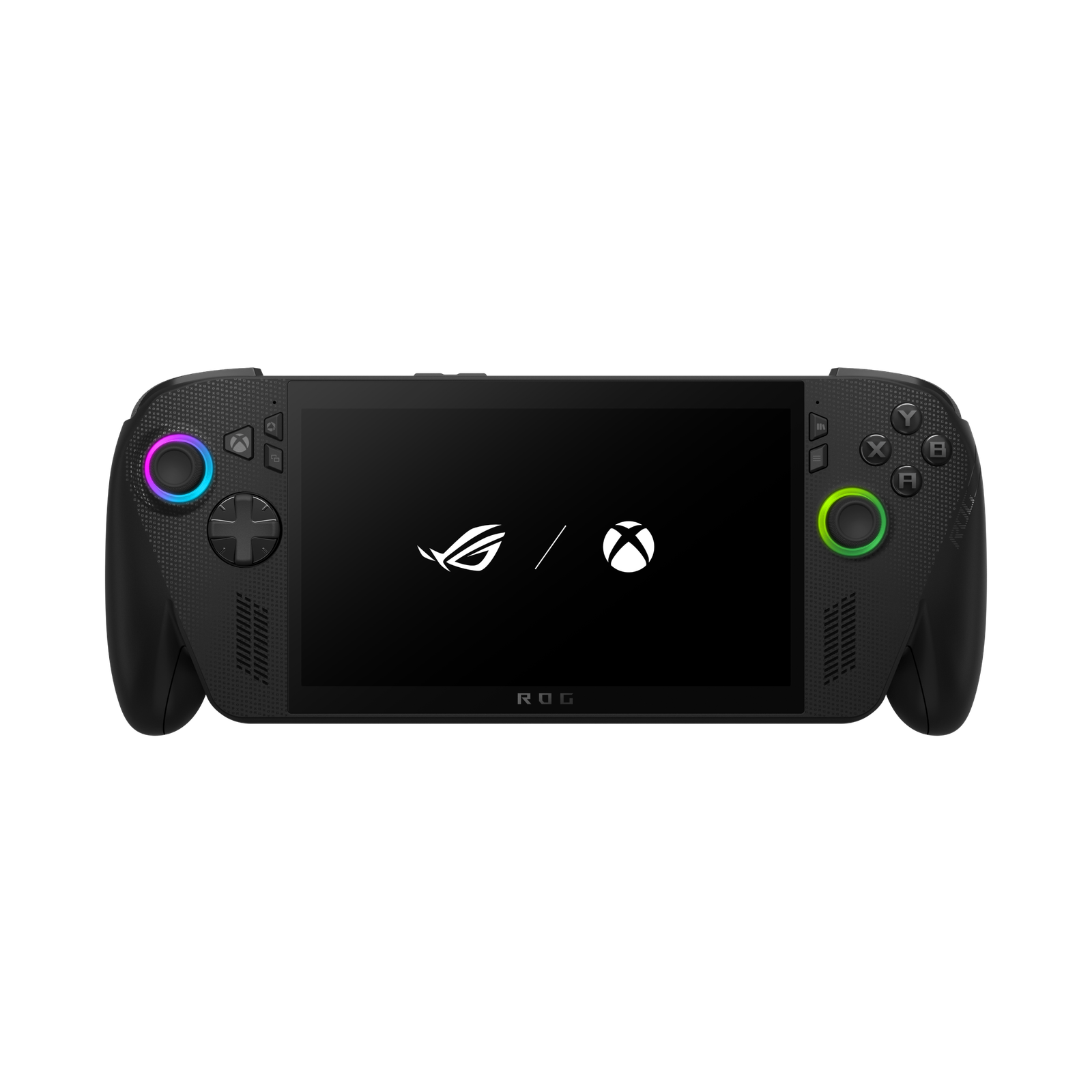
The ROG Xbox Ally X is the result of a collaboration between ASUS and Microsoft, and it’s been making waves for one simple reason: despite the Xbox branding, it’s a full Windows 11 handheld PC that runs Xbox titles, Steam, Epic Games, and more — all on one device. In this review, we break down the design, performance, battery life, and real-world experience to help you decide if it’s worth the investment.
Table of Contents
- What Is the ROG Xbox Ally?
- Design and Ergonomics
- Full Specifications
- Real-World Gaming Performance
- Battery Life
- Windows 11 Software Experience
- Pros and Cons
- ROG Xbox Ally vs Steam Deck vs Legion Go
- Price and Where to Buy
- Verdict: Who Should Buy It?
- FAQ
What Is the ROG Xbox Ally?
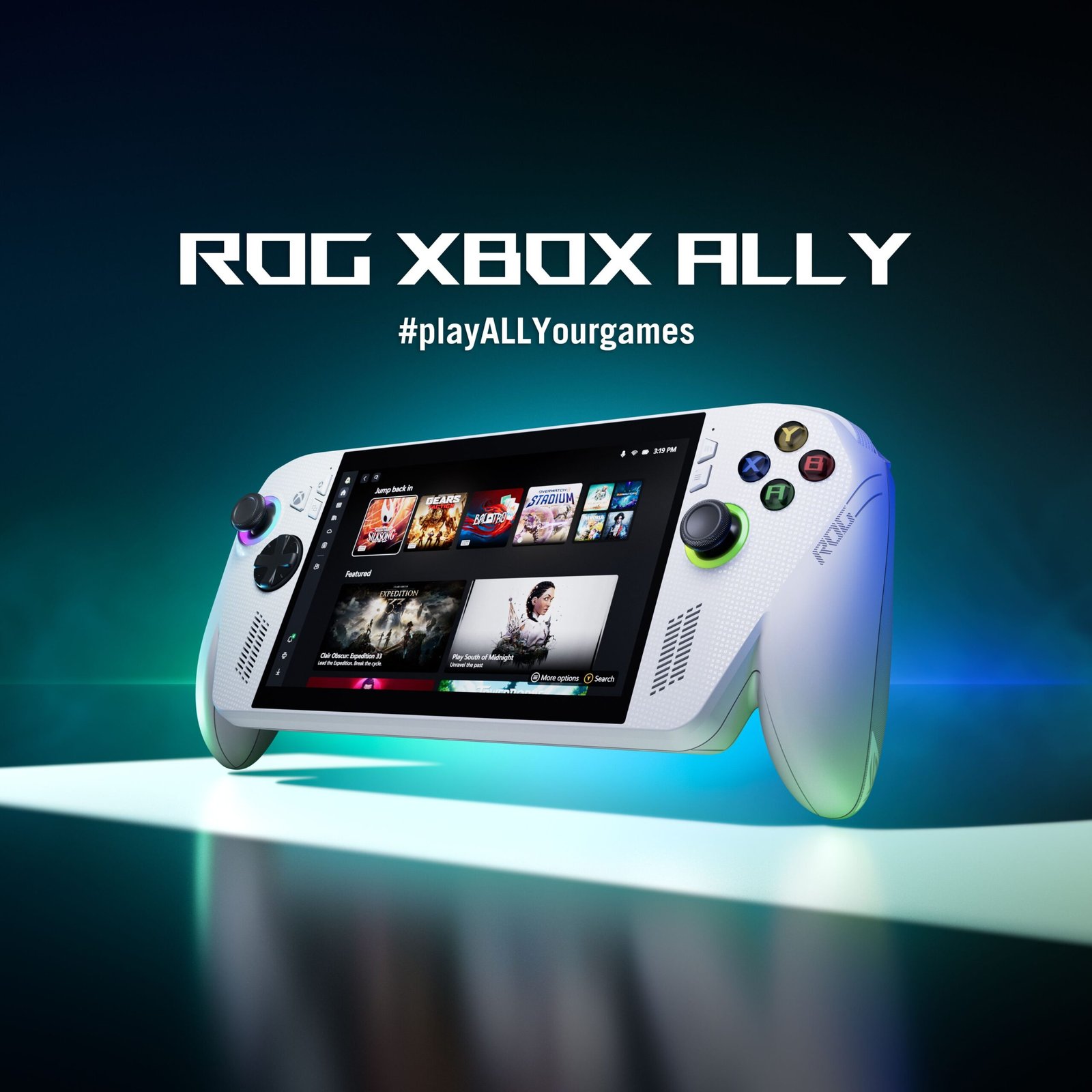
The ROG Xbox Ally is a handheld gaming PC that runs full Windows 11, developed by ASUS in partnership with Microsoft. Unlike a traditional Xbox console, this device isn’t locked into a single ecosystem — you can install and play games from Steam, Epic Games Store, GOG, or any other PC launcher, making it a genuine pocket-sized gaming PC rather than just a portable console.
Design and Ergonomics
Compared to the first-generation model, the Ally X features re-contoured grips and better weight distribution, reducing hand fatigue during long sessions. The device is compact enough to feel more like holding a controller than a 12-inch tablet, making it genuinely portable for commutes or coffee-shop gaming sessions.
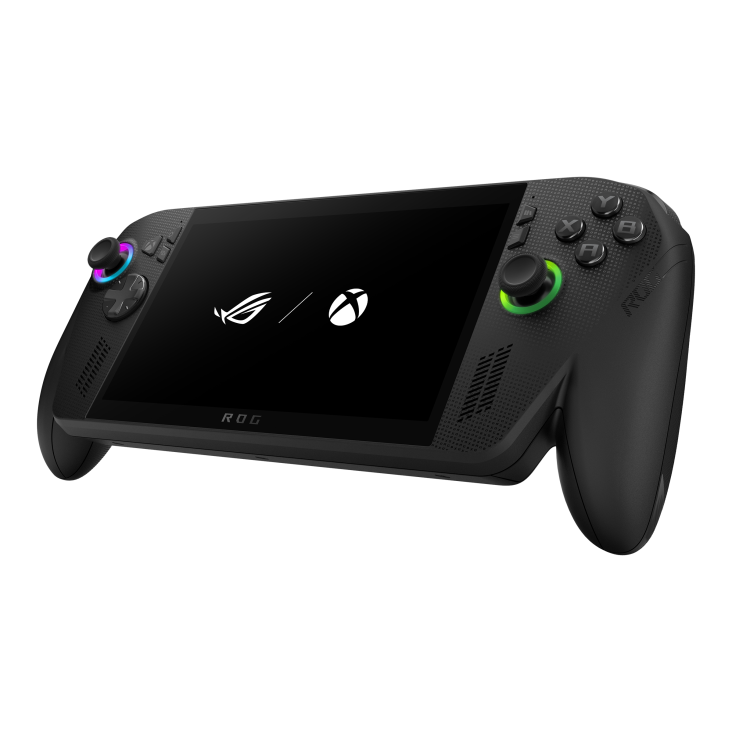
The buttons and analog sticks feel responsive, handling both fast-paced FPS titles and platformers well. One notable downside: the box doesn’t include a carrying case or basic protective accessories, which feels like an odd omission given the premium price point.
Full Specifications
| Component | Specification |
|---|---|
| CPU | AMD Ryzen AI Z2 Extreme (Zen 5 architecture) |
| GPU | AMD RDNA 3.5, 16 compute units |
| RAM | 24GB LPDDR5X |
| Battery | 80Wh |
| Operating System | Windows 11 (handheld-optimized UI) |
| Recommended resolution | 1080p for AAA titles |
The jump to 24GB of RAM is a meaningful upgrade over the previous generation, allowing smoother multitasking — running background apps while gaming without noticeable slowdown.
Real-World Gaming Performance
With the Z2 Extreme chip, the device handles demanding AAA titles like Black Myth: Wukong smoothly at 1080p with medium-to-high settings. Extended real-world use — from late-night sessions in bed to gaming sessions at a café — shows the device holds stable performance without significant frame drops over long play sessions.
For lighter esports titles like competitive FPS games, frame rates are consistently high, making it suitable for both competitive and casual players alike.
Battery Life
The 80Wh battery is among the largest in the current Windows handheld segment. Real-world battery life varies depending on game load, but overall it’s enough for a full extended gaming session without needing a mid-session charge — a clear improvement over earlier handheld PCs that were notorious for poor battery life.
Windows 11 Software Experience
This is the most surprising part for many users: the ROG Xbox Ally isn’t just a gaming device. Since it runs full Windows 11, users can install any standard desktop software — messaging apps, web browsers, even light productivity tools. Paired with a dock, the device can transform from a handheld into a mini desktop PC connected to an external monitor, keyboard, and mouse.
That said, if your goal is to fully replace a laptop for heavy creative or graphics work, this device isn’t quite there yet — it’s still primarily built around gaming and light everyday tasks.
Pros and Cons
Pros:
- Cross-platform support: Xbox, Steam, Epic — not locked into one ecosystem
- Strong hardware: Z2 Extreme chip, 24GB RAM
- 80Wh battery with solid real-world endurance
- Improved ergonomic design, comfortable for long sessions
- Full Windows 11 functionality, doubles as a mini PC
Cons:
- No carrying case or protective accessories included despite the premium price
- Not a full replacement for a heavy-duty creative laptop
- Priced at the higher end of the handheld market
ROG Xbox Ally vs Steam Deck vs Legion Go
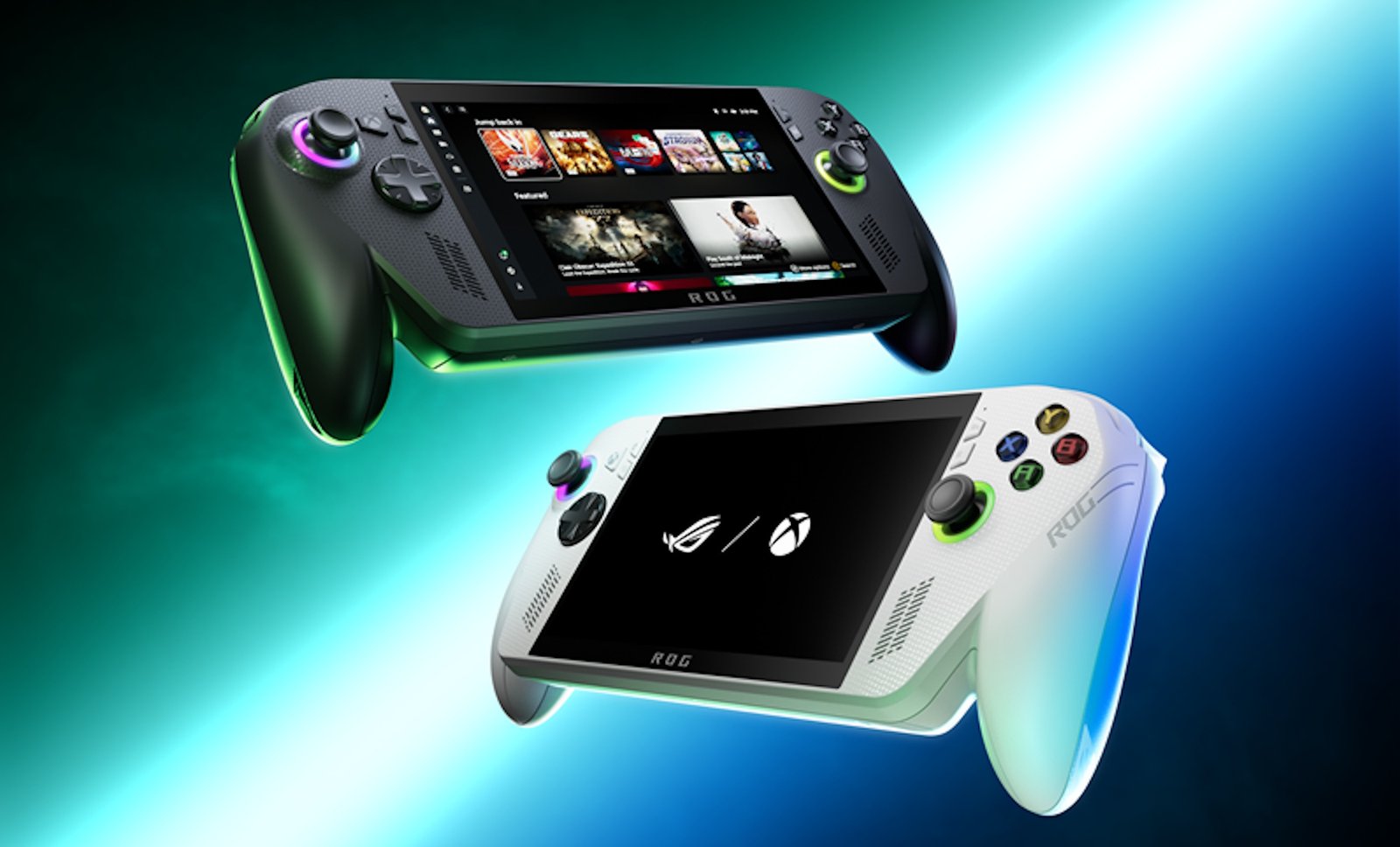
Compared to the Steam Deck (running SteamOS) or the Lenovo Legion Go, the ROG Xbox Ally X’s biggest advantage is running native Windows 11, offering broader compatibility with game launchers and non-gaming software. On the flip side, the Windows interface on a small screen can feel less streamlined than SteamOS’s purpose-built handheld UI. If you prioritize simplicity and a polished gaming-only experience, the Steam Deck remains a strong contender; if you want a more versatile all-in-one device, the Ally X has a clear edge.
Price and Where to Buy
Note: pricing varies by region and time of purchase — check current pricing through authorized retailers or ASUS’s official site before buying.
Buying through official/authorized retailers is recommended to ensure full warranty coverage and avoid unauthorized grey-market units.
Verdict: Who Should Buy It?
The ROG Xbox Ally X is a great fit for anyone who doesn’t yet own a handheld gaming PC and has some budget flexibility — someone who wants a device that plays AAA games smoothly while also functioning as a mini desktop PC. If you need something to fully replace a laptop for heavy graphics work, this isn’t quite the right answer. But as a flexible, portable gaming companion, it’s one of the most complete options in the current Windows handheld space.
FAQ
Can the ROG Xbox Ally play Steam games?
Yes. Since it runs full Windows 11, the device supports installing and playing games from Steam, Epic Games, GOG, and other PC launchers — it isn’t limited to the Xbox ecosystem.
What’s different between the Ally X and the standard Ally?
The X model has improved ergonomics, 24GB of RAM (up from the base model), and the more powerful Z2 Extreme chip, resulting in better multitasking and AAA game performance.
How long does the battery last?
With an 80Wh battery, the device can handle extended gaming sessions without needing a mid-session recharge, though actual runtime depends on game demands and screen brightness.
Can the ROG Xbox Ally replace a laptop?
It can handle light tasks and function as a mini PC when paired with a dock, but it’s not yet a full substitute for a laptop meant for heavy graphics or creative work.
Is it worth buying right now?
If your budget allows and you’re looking for a versatile handheld device, it’s a strong option. It’s worth comparing against the Steam Deck or Legion Go depending on whether you prioritize simplicity or versatility.
This article is based on hands-on impressions and publicly available information. Specifications and pricing are subject to change — please verify the latest details with the manufacturer before purchasing.