TRIMUI Brick Pro Review: The Best Budget Retro Handheld You Can Buy in 2026?
TRIMUI Brick Pro Review: The Best Budget Retro Handheld You Can Buy in 2026?
A sharp 324 PPI screen, Hall-effect joysticks, and swappable keycaps for under $100 — we put TRIMUI’s best-selling vertical handheld through its paces to see if it’s worth your money.

| 8.7/10 |
|
The retro handheld market is crowded, but the TRIMUI Brick Pro has quietly become one of the most talked-about vertical-form emulation handhelds of the year. It keeps the pocketable, Game Boy-inspired shape that made the original TRIMUI Brick popular, while upgrading the parts that actually matter: the joysticks, the screen coating, and the customization options.
At roughly $94.99, it sits right in the sweet spot between disposable budget handhelds and pricier flagship devices. We spent time going through the spec sheet, design details, and real-world use cases to see exactly who this device is for.
Design & Build: Compact, Familiar, Customizable
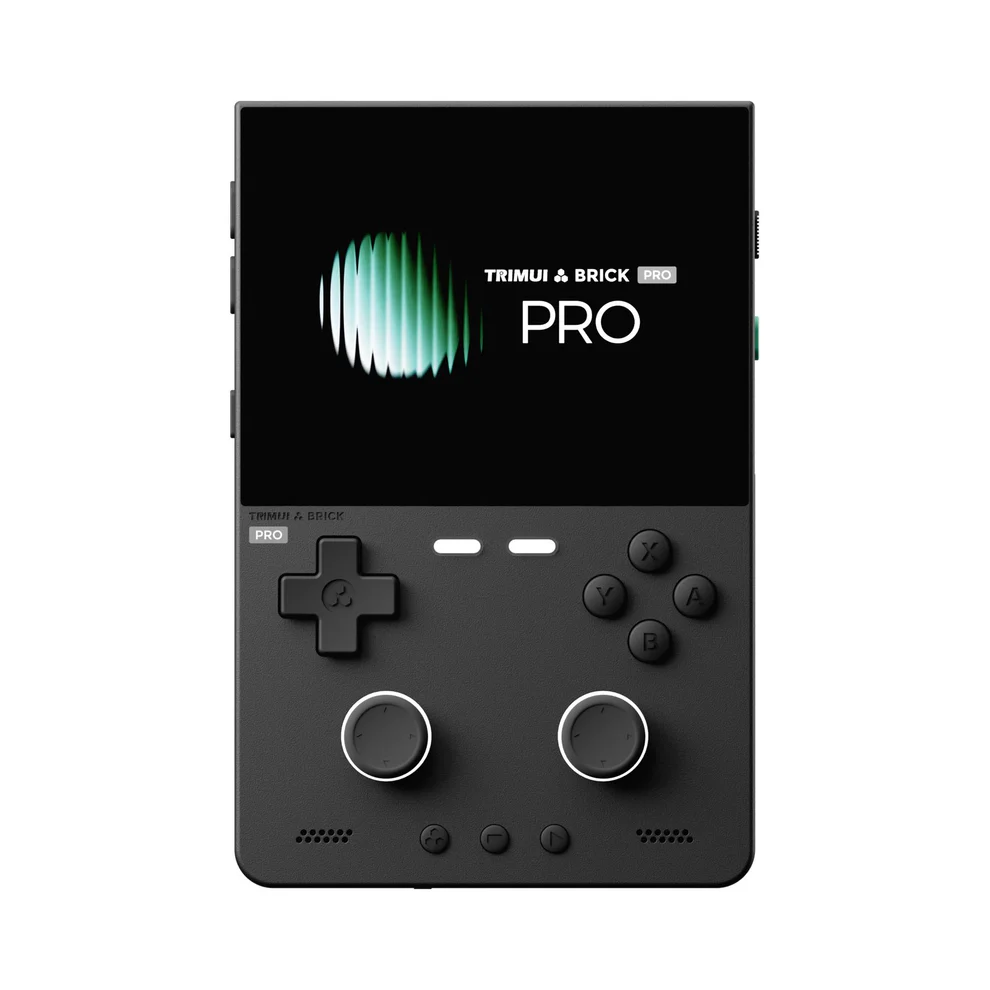
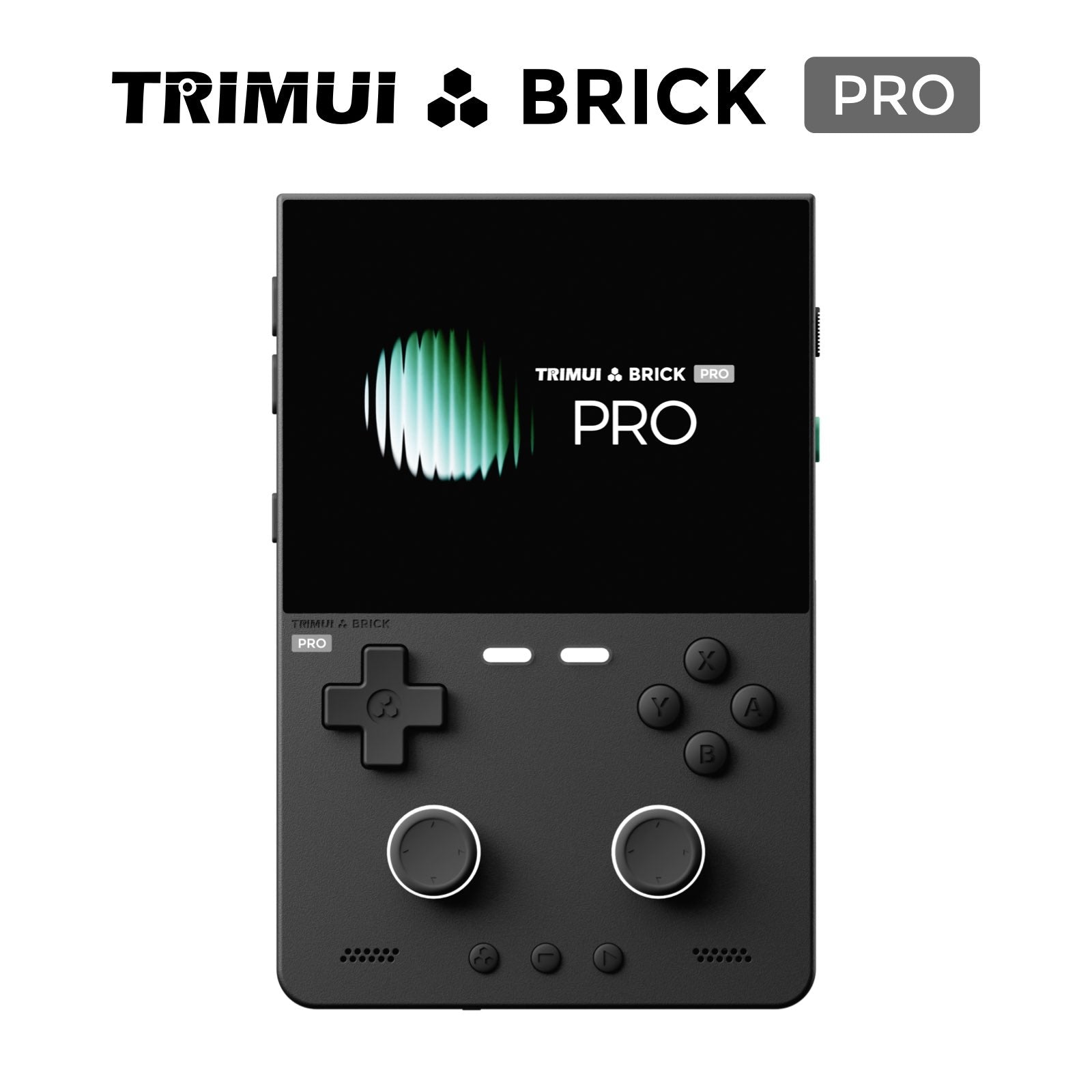
The Brick Pro follows the vertical “brick” silhouette that fans of the original Game Boy will instantly recognize. It measures a genuinely pocketable 130 × 86 × 22mm and weighs just 236g, making it one of the lightest devices in this category.
 |
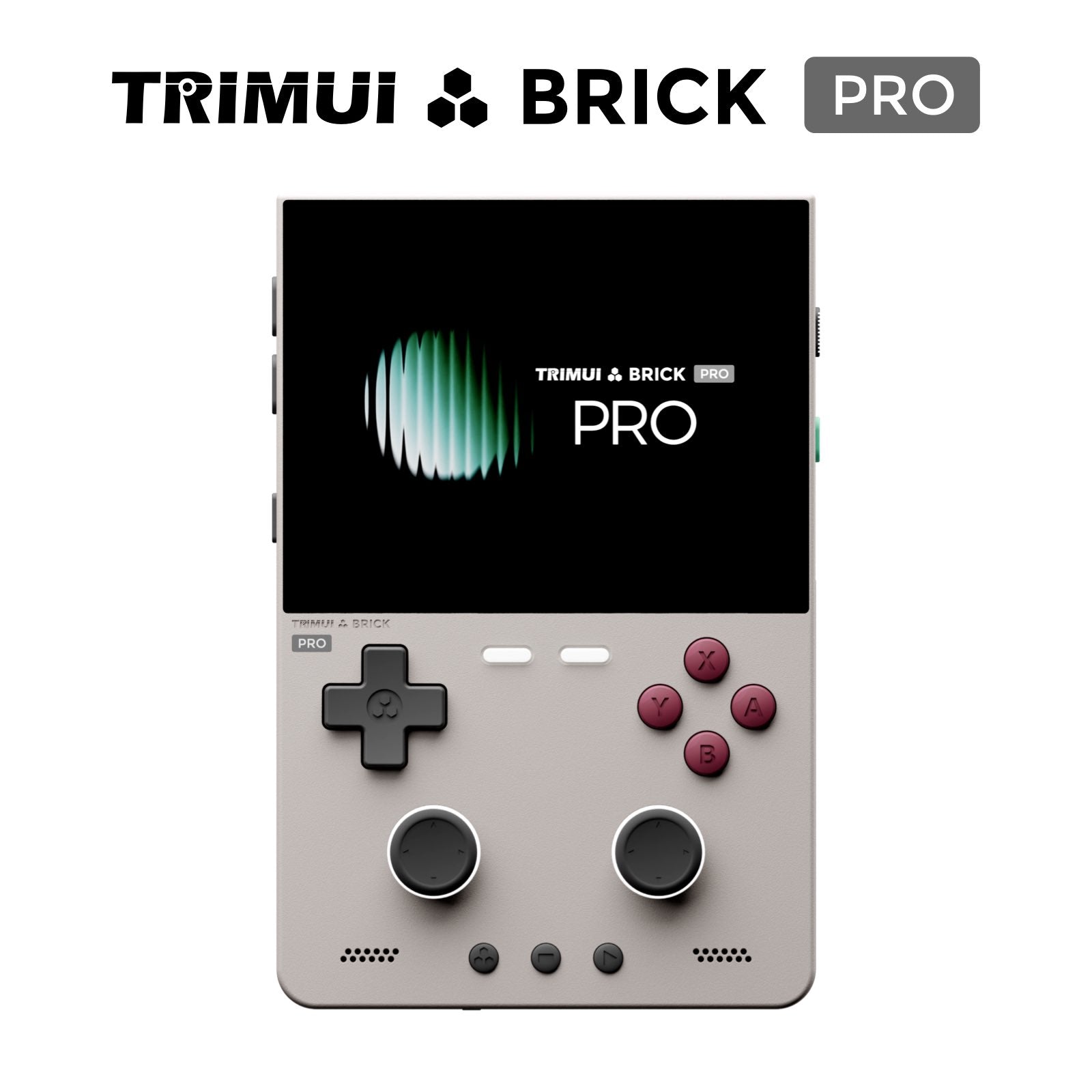 |
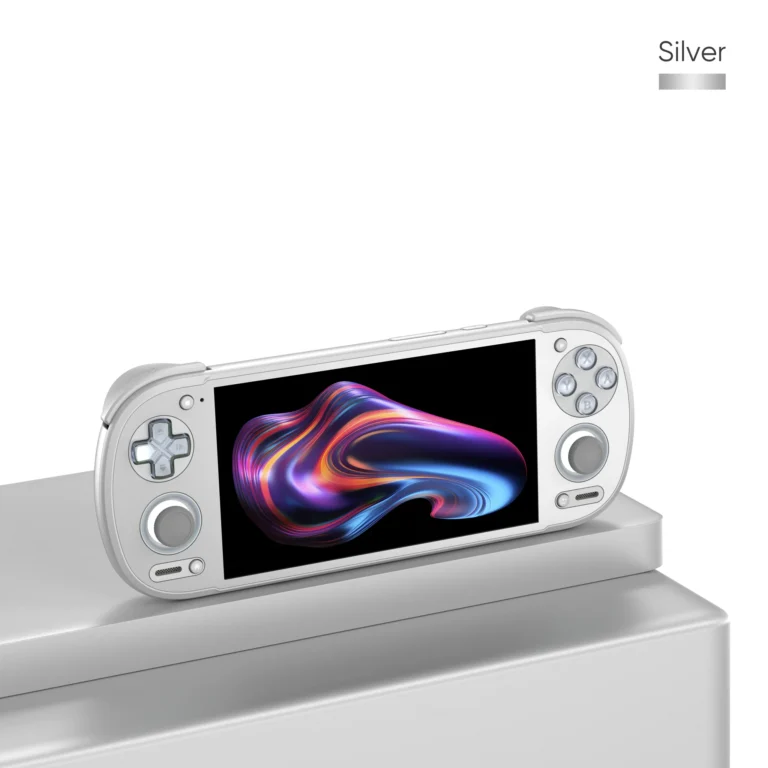
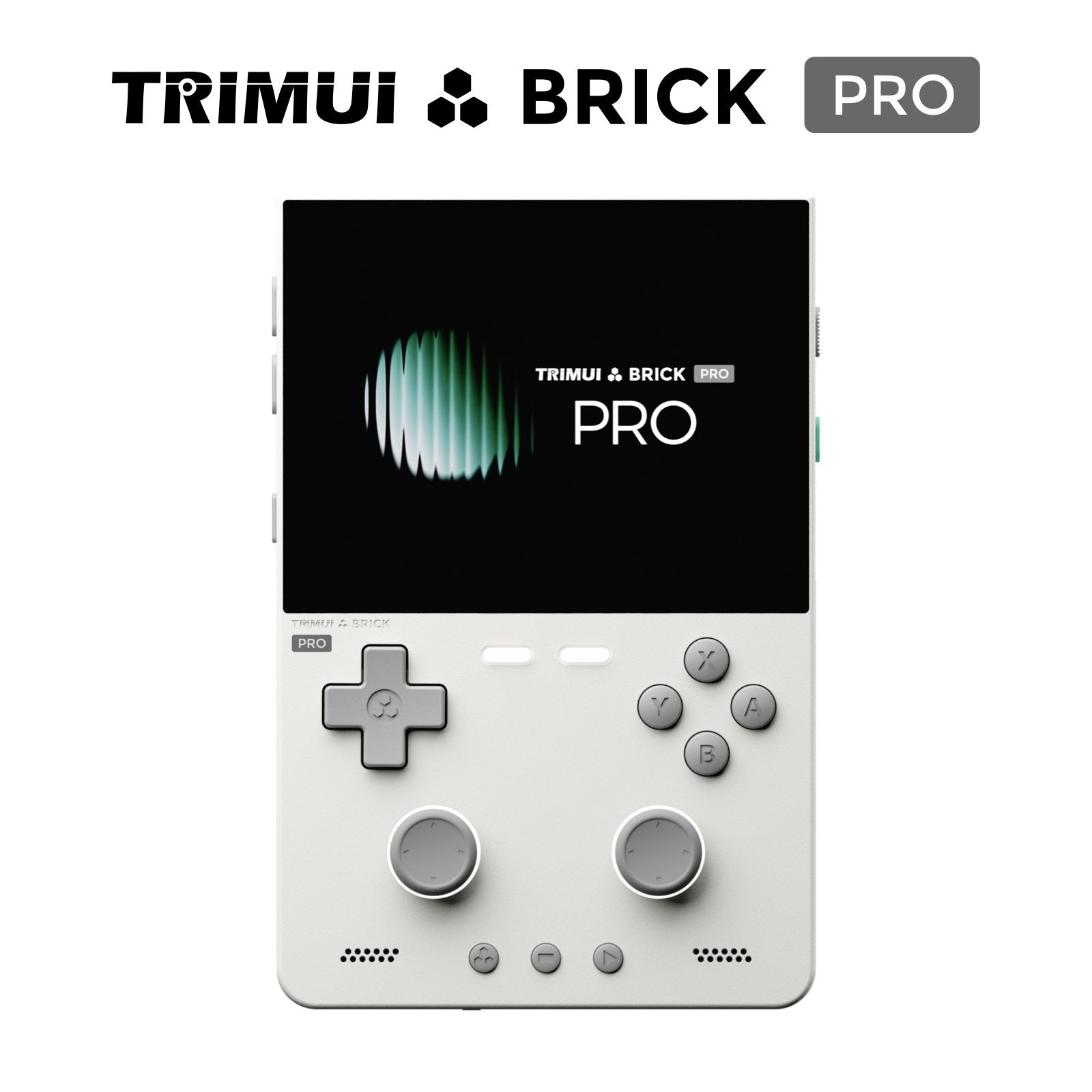
It’s available in three colorways — Black, White, and Retro Grey — all finished in an ABS+PC plastic shell that feels solid without adding bulk. The layout includes the full complement of 16 standard buttons: D-pad, ABXY face buttons, L1/R1/L2/R2 shoulder buttons, Menu/Select/Start/Home, and clickable L3/R3 thumbstick buttons.
Swappable Keycaps — A Genuinely Useful Extra
One detail that sets the Brick Pro apart from cheaper competitors is that it ships with three interchangeable sets of rear keycaps for the L1/L2 and R1/R2 shoulder buttons. If you find the stock caps too short, too tall, or not grippy enough during long sessions, you can simply swap them — no tools required.

The device also features ambient RGB lighting: a top light bar, illuminated L1/L2/R1/R2 shoulder keys, F1/F2 indicator lights, and dual joystick light rings. It’s a small touch, but it gives the handheld a more premium feel than most devices at this price point.
Display: The Real Standout Feature
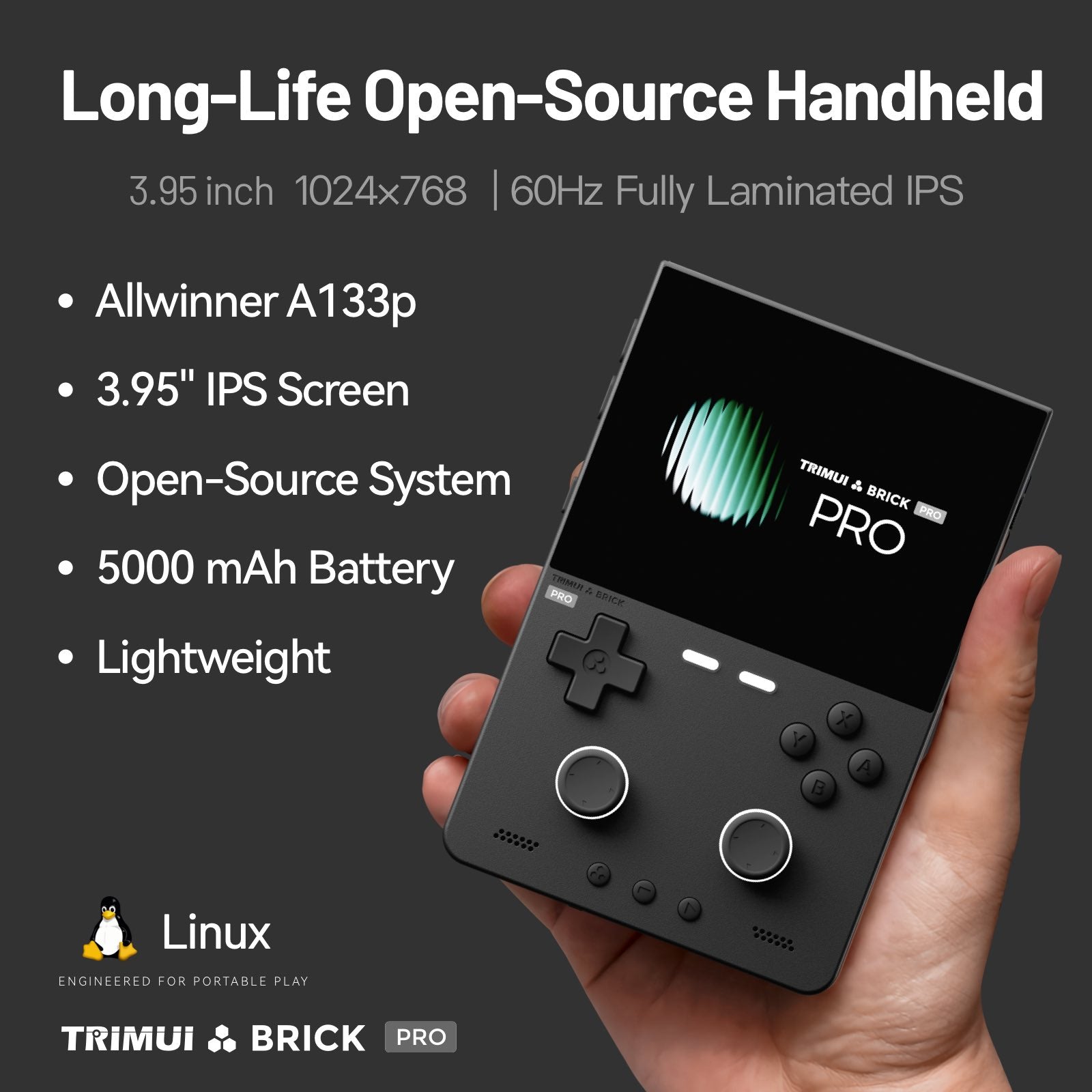
This is where the Brick Pro earns most of its reputation. It uses a 3.95-inch, fully laminated IPS panel running at 1024×768 and 60Hz, which works out to an impressively sharp 324 PPI.

For context, most budget retro handhelds top out around 200–260 PPI with non-laminated screens that create a visible air gap and glare. Full lamination on the Brick Pro eliminates that gap, so the picture looks like it’s painted directly onto the glass — better contrast, less reflection, and no parallax when viewing off-angle.
Controls: Hall-Effect Joysticks Finally Trickle Down
The Brick Pro uses dual Hall Effect joysticks (JF15). Unlike traditional potentiometer sticks, Hall-effect sticks use magnetic sensors instead of physical contact, which means they resist the dreaded “stick drift” that plagues cheaper handhelds after a few months of use.
 |
 |
Combined with a responsive D-pad and well-spaced ABXY buttons, the control layout feels tuned for both classic 2D platformers and dual-stick 3D-era games like the original PS1 and N64 libraries.
Performance & Software
Under the hood, the Brick Pro runs on an Allwinner A133p chip clocked at 1.8GHz, paired with a PowerVR GE8300 GPU (up to 660MHz), 1GB of RAM, and 8GB of internal storage — expandable via TF card up to 1TB. It ships running Trim-UI Linux (kernel 4.9) with a clean, purpose-built OSD launcher.
This hardware profile is squarely aimed at classic emulation rather than modern gaming. It comfortably handles:
|
Runs Smoothly
|
Not Built For
|
If you specifically want Android-based emulation (Dreamcast, PSP, light PS2) or app support, TRIMUI’s step-up model — the Brick Hammer Pro U — runs a Snapdragon G2 Gen 1 chipset on Android 15 instead, at roughly triple the price.
Battery, Charging & Connectivity
The 5000mAh cell is generous for a handheld this size, and the ability to output clean 1080p video to a TV or monitor via the USB-C port is a genuinely useful bonus for docked/couch play.
Full Specification Sheet
Pros & Cons
|
✓ Pros
|
✗ Cons
|
Who Should Buy the TRIMUI Brick Pro?
The Brick Pro makes the most sense for retro gaming fans who mainly play 8-bit through PS1-era libraries and want a handheld that feels good in hand for long sessions, without spending $200+. The included keycap sets and Hall-effect sticks are the kind of details that usually only show up on much pricier devices.
If your priority is Android app support, PSP/Dreamcast emulation, or heavier N64 titles, the TRIMUI Brick Hammer Pro U is the better (if pricier) pick. But for the core “classic console emulation in your pocket” use case, the Brick Pro is hard to beat under $100.
Ready to Get One?The TRIMUI Brick Pro is currently available directly from the official TRIMUI Store, with multiple storage configurations and free worldwide shipping on qualifying orders.
$99.00
$94.99 4% OFF Prices and promo codes subject to change — check the product page for the latest offer.
|